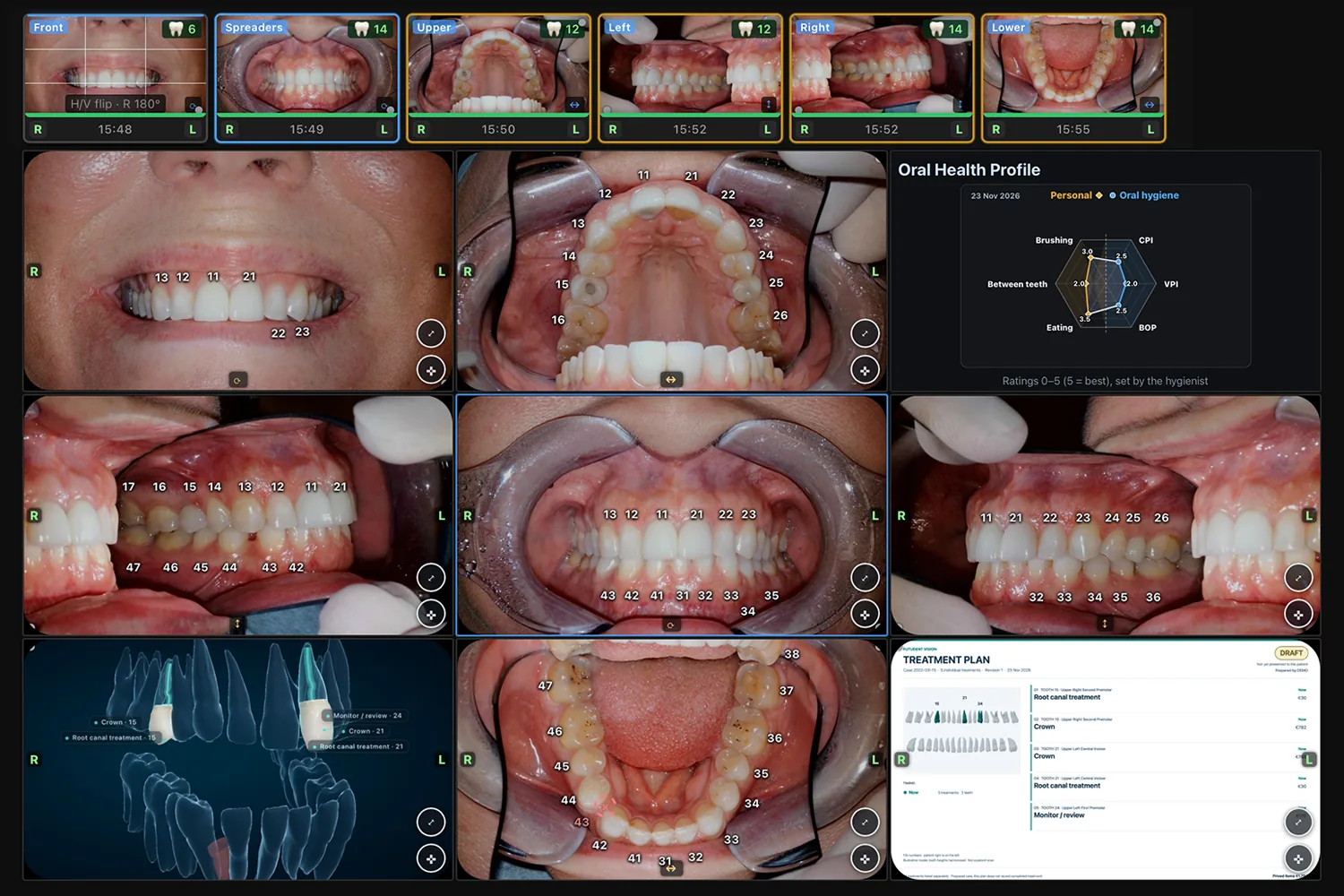
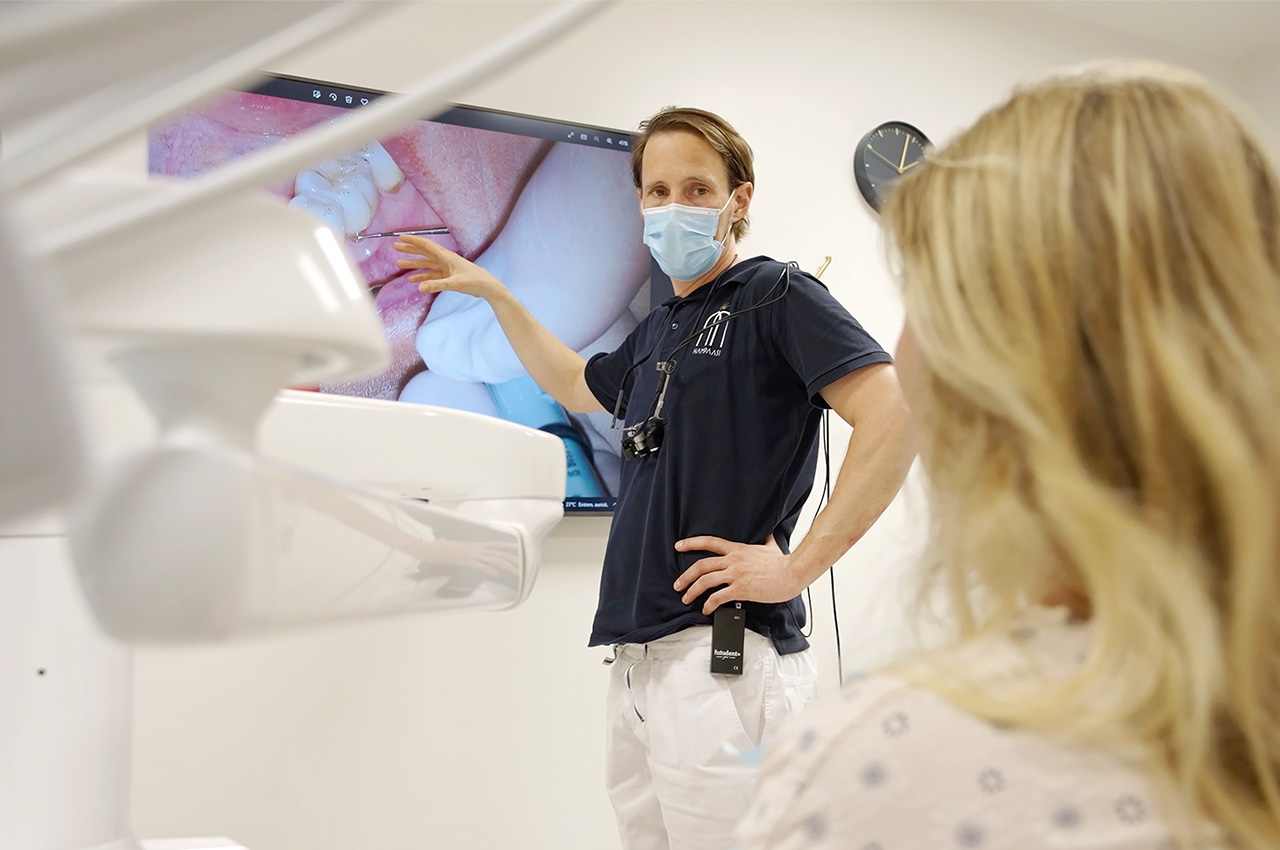
Futudent VISION turns the images you take during treatment into a ToothGram you can talk through with your patient. Capture as you work, show what you see and help your patient understand the treatment you propose.
Free for Futudent camera owners, and a free update from earlier versions. Runs on Windows and on Macs with Apple silicon.
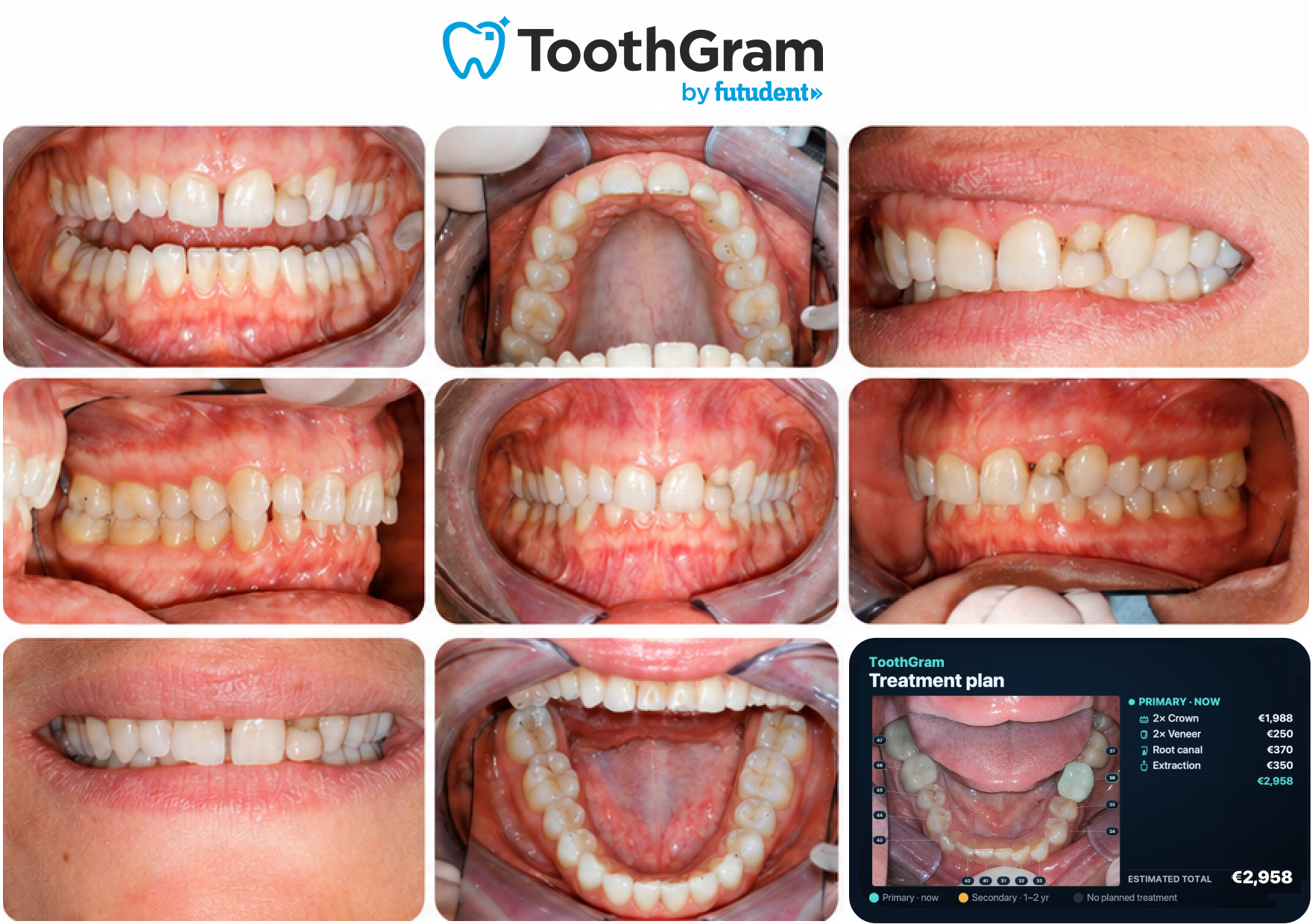
Follow an image from the moment you capture it to the conversation that helps your patient decide.

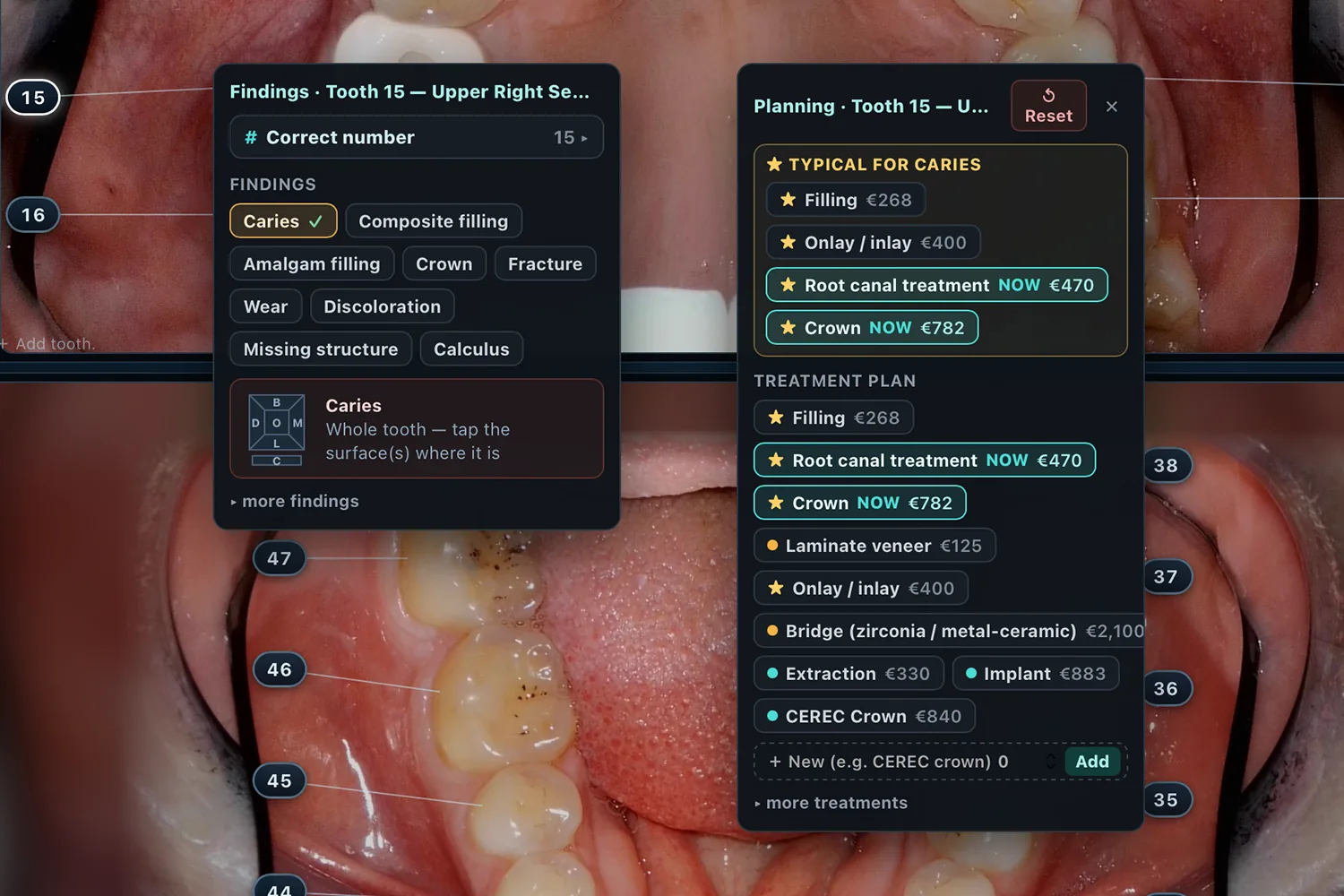
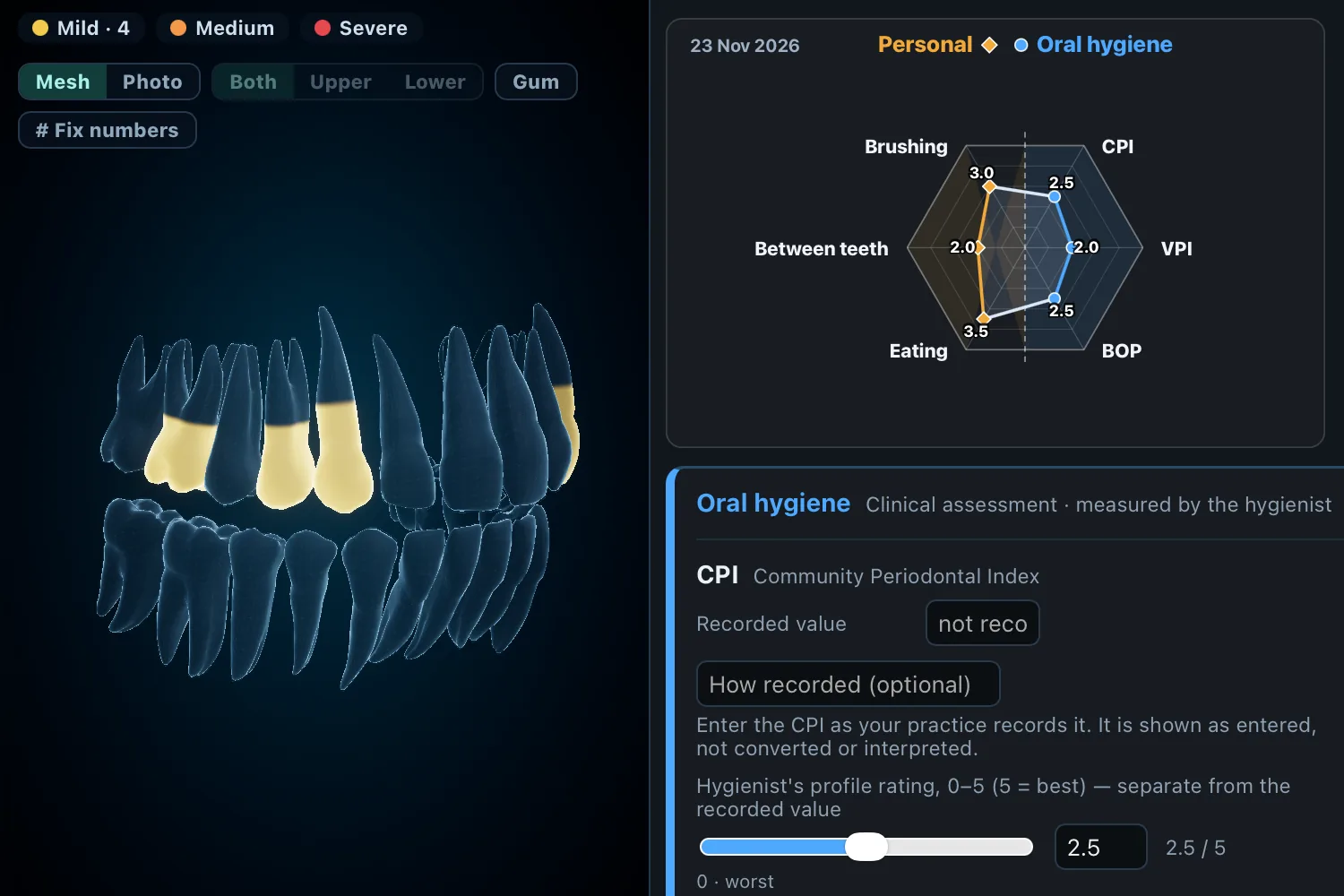
Version 1.2 adds treatment planning with a cost estimate, the Oral Health Profile, tooth numbering for you to check, Auto-capture, and import of photos, X-rays and PDFs. It runs on Windows and on Macs with Apple silicon, in eight languages.
Designed for Futudent cameras: smartCam for the treatment light and proCam XS for loupes and headbands. Works with most common cameras too.
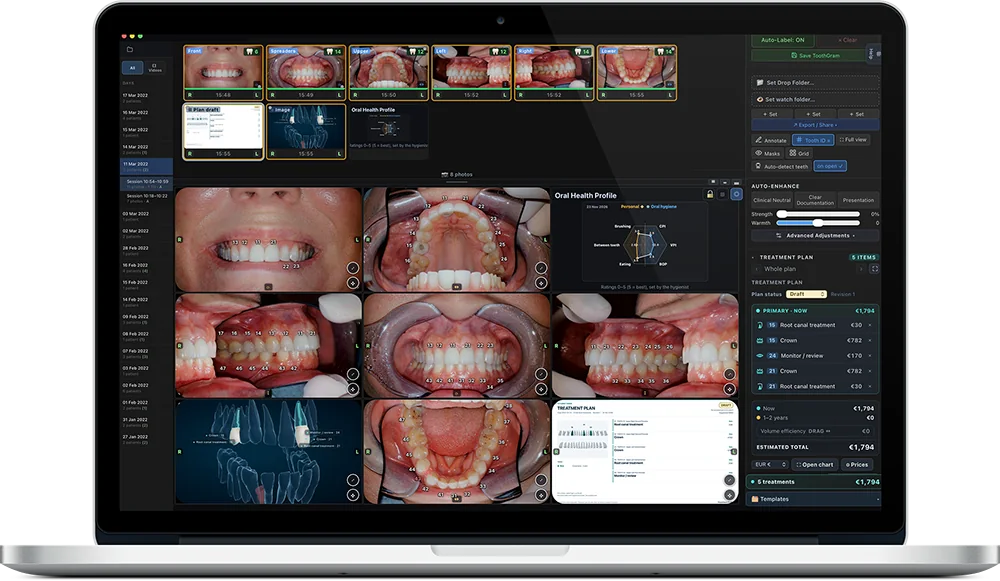
Collect a patient's tooth images into one clear overview. Save it to your patient records, or as a PDF or image for your patient.
Save images as DICOM files and send them to your PACS or another imaging system that accepts DICOM.
Hold the camera still on a standard view, and VISION takes the photo and places it in the ToothGram.
Save the ToothGram and treatment plan as PDF or image files, send images to PACS as DICOM, or attach them to an email to your patient. VISION's export and sharing options fit the way your practice already keeps its records.

Save a ToothGram or single images as files for your records.
Save images as DICOM files for your PACS or imaging system.
Attach the ToothGram or the plan to an email, so your patient has it after the visit.
If you can't find your answer here, the Futudent team is happy to help.
Contact the Futudent teamWhat is a ToothGram?
A ToothGram brings selected clinical images of one patient into one organised view. It helps you show different angles together, explain findings and document what you have discussed.
I use an earlier VISION. How do I get 1.2?
Download VISION 1.2 for Windows, or get the update from the Mac App Store. The update is free. If you have recordings in VISION 1.0 or 1.1, contact Futudent support before you update, and they will help you keep them.
What does VISION cost?
VISION 1.2 is free for Futudent camera owners: download VISION and install it on the computer your camera connects to. VISION works with a Futudent camera, so if you don't have one yet, start at Where to buy. Your distributor can show you VISION and help you choose a camera.
Does VISION run on a Mac?
Yes, on Macs with Apple silicon (M1 or newer), from the Mac App Store. On Windows, VISION 1.2 runs on Windows 10 and 11, 64-bit.
Which cameras work with VISION?
VISION is designed for Futudent cameras: smartCam for the treatment light and proCam XS for loupes and headbands. It works with most common cameras too, such as a laptop's built-in webcam. Have an older or a different Futudent camera? Futudent support can tell you whether it works with VISION 1.2.
What are the system requirements?
The requirements for Windows and macOS are listed on the Download VISION page.
How do I choose a camera and setup?
Talk to your local Futudent distributor about your current camera, your computer and the way you work. They can help you choose a setup and show you VISION. Where to buy
VISION 1.2 is free for Futudent camera owners, on Windows and Mac.
Download VISIONFutudent cameras are sold and supported by local distributors, who can also show you VISION.
Where to buy